
Why your files never leave your browser
LocalSheet processes spreadsheets entirely inside your web browser. Here is why it is safe and how it works.
Processed 100% inside your browser
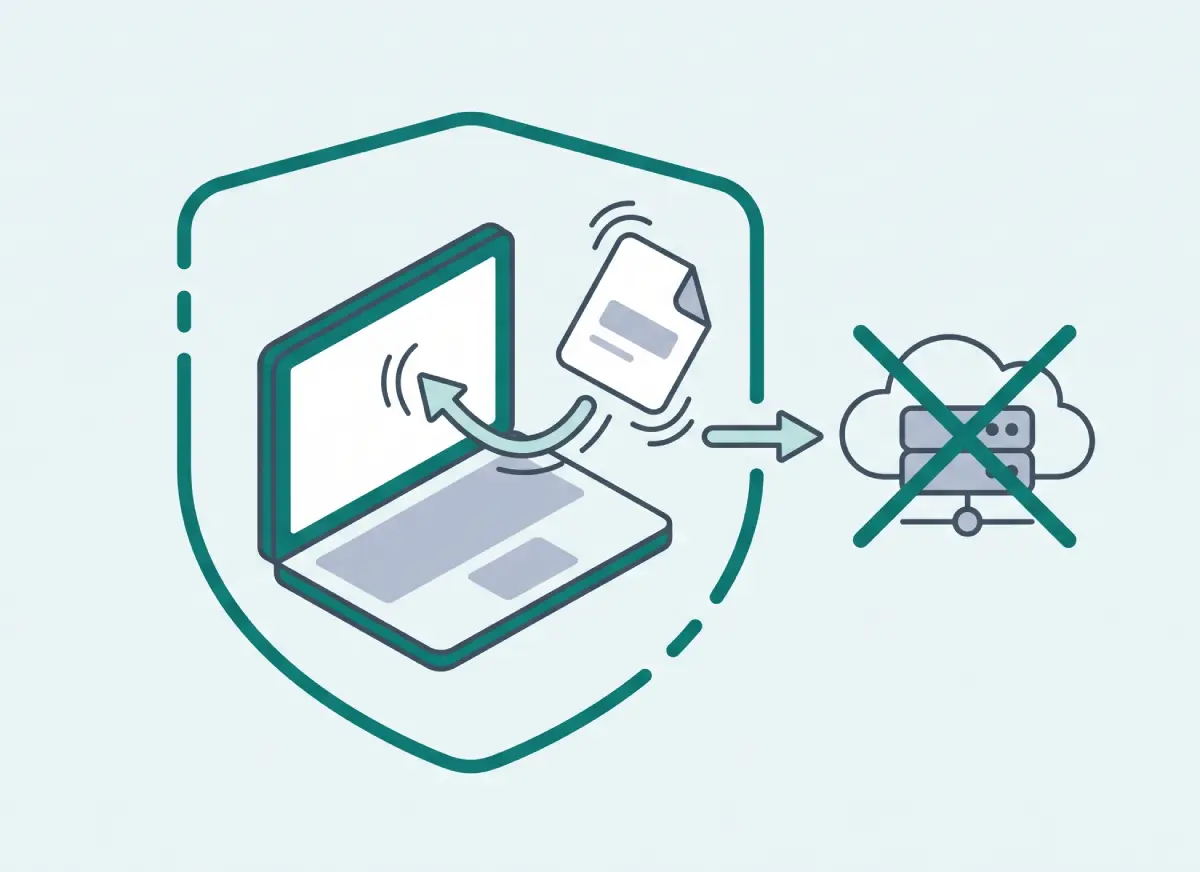
Standard online tools require you to upload your files to remote servers. LocalSheet uses modern in-browser web APIs to read and transform Excel and CSV files directly within your device's memory. Your file data never leaves your computer.
No account or install needed
There are no accounts, subscriptions, or installations required — just open the page and use it for free. We collect no personal data, and we keep no logs or copies of your workbooks.
How to verify this yourself
You can inspect your browser's Developer Tools to confirm that no file data is ever sent across the network.
- Press F12 (or Option + Cmd + I on Mac) to open your browser's Developer Tools.
- Click the Network tab at the top.
- Select an Excel file on LocalSheet and run any tool.
- Notice that no POST, Fetch, or XHR requests containing your file data are ever sent to any remote server.
Limitations and things to note
Because processing uses your browser's memory, speed depends on your device performance. Files larger than 10MB, password-protected workbooks, and complex macros (VBA) are not supported.
Contact & Tools
Questions, suggestions, or bug reports? Reach us at: kdevwork2025@gmail.com