
Free Excel tools online — done in seconds
Remove duplicate rows, merge files, fix CSV text encoding, and more — all fast inside your browser. Your files never leave your computer.
Completely free, no sign-up or install required

What would you like to do?

Finds identical rows and keeps just one.

Deletes rows that are empty or contain only whitespace.

Cleans up leading/trailing spaces, repeated spaces, and line breaks in one pass.
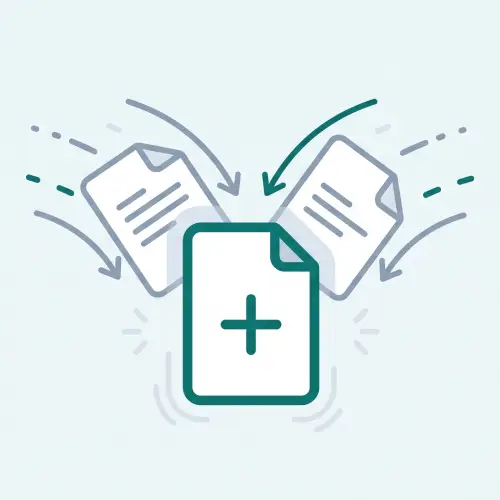
Combines multiple Excel/CSV files into one sheet or one workbook.

Creates one sheet per value in a column (department, region, etc).

Converts CSV to Excel while keeping leading zeros and long numbers intact.

Converts Excel to a clean UTF-8 CSV that won't show garbled text.

Re-saves a garbled CSV so it opens correctly in Excel.

Hides part of a name, phone number, or email before you share a file.

Compares two files and finds the rows that only appear in one.

Makes phone numbers and dates consistent across a column.
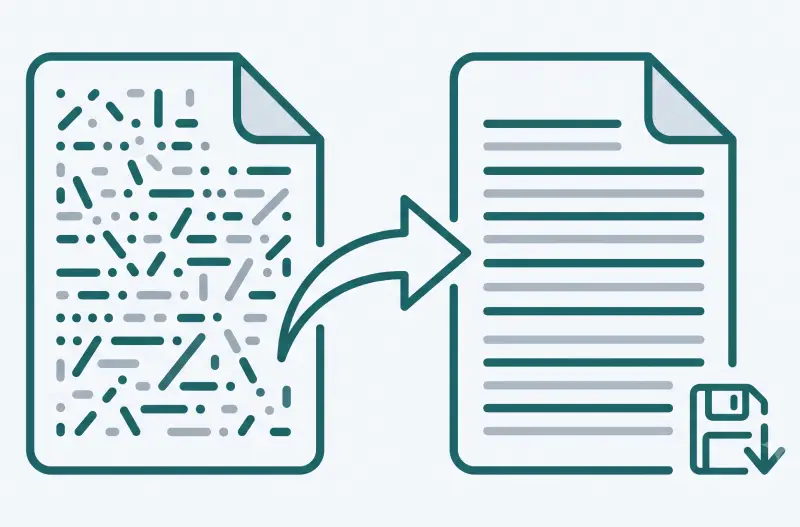
Saves a CSV in the legacy encoding (Windows-1252, etc.) an older system needs.

Splits one column into several, or joins several columns into one.
Done in 3 simple steps
- 1Select file: Choose the Excel or CSV file you want to organize.
- 2Review options: Pick the processing mode and key columns you need.
- 3Save result: Download the newly processed workbook straight from your browser.
A safe workflow where your files never touch a server
LocalSheet runs entirely inside your browser using modern web technology. Because your file contents never travel across the internet to an external server, you can process confidential company spreadsheets and personal data with complete peace of mind.
Unsupported files
- Password-protected Excel workbooks
- Complex formats containing macros (VBA), charts, or pivot tables
- Files larger than 10MB