
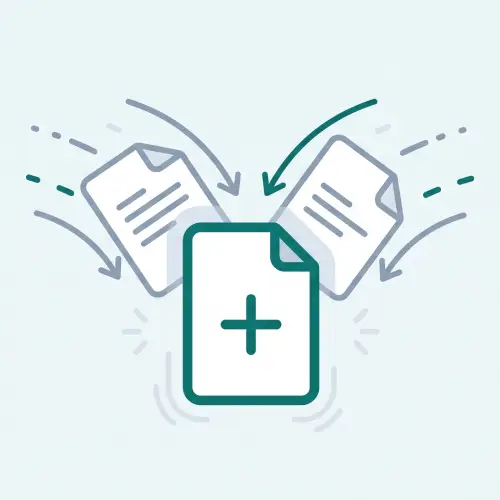
merge csv files into one
Merge Files — just pick a file and you're done.

Drop your file here
Choose a file
xlsx, csv files · up to 20 files · 10MB total
Your file never leaves your browser — nothing is uploaded anywhere.
See how to verify your file isn't sent anywhereFree to use, no sign-up or install required.
What to do next

Finds identical rows and keeps just one.
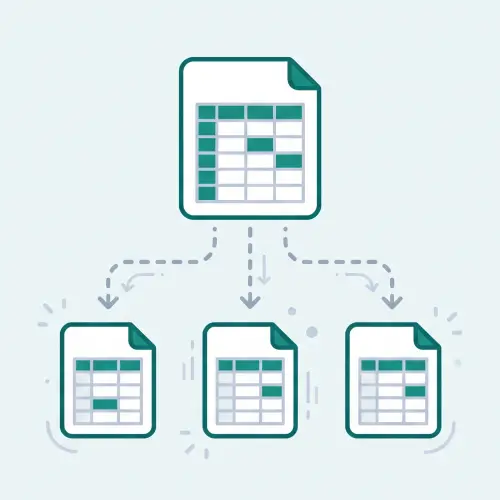
Creates one sheet per value in a column (department, region, etc).

Converts CSV to Excel while keeping leading zeros and long numbers intact.
How to use Merge Files
- 1Select two or more Excel/CSV files you want to combine, or add them to the upload area.
- 2Confirm the header row, then choose whether to append into one sheet (by column order or header name) or keep each file as its own sheet.
- 3Click Merge files, check the combined row count and per-sheet preview, then download the merged workbook.
When to use this
- Great for combining weekly or monthly performance reports that each branch or rep filed separately.
- Useful for stitching together sales or transaction exports that were downloaded one month — or one day — at a time.
- Handy for gathering several standalone files into one workbook as separate sheets instead of copy-pasting by hand.
Frequently asked questions
Can I combine files if column headers or order are slightly different?
You can choose the column alignment mode when appending into one sheet. "By column order" combines rows strictly by position (column A to A, B to B) regardless of header names. "By header name" compares header rows and aligns matching column names, placing unmatched headers into new columns.
Can I tell which original file each row came from?
Yes — turn on "Add a source filename column" when appending into one sheet, and the first column records which file each row came from, which makes it easy to trace or filter later.
Does my file really never get sent to a server?
Correct — LocalSheet does all its processing inside your own web browser. Your file data never travels over the network to anywhere. It even works with your internet connection turned off.
Is there a limit on file size or number of files?
For browser performance and stability, we support files totaling up to 10MB. Merging files supports up to 20 files at once.
Is there a fee, or do I need to log in?
No. Every LocalSheet tool is completely free, with no account and no login required.